Pi-hole Updated To 2.10 Core / 2.0 Web With Fixes And Goodies
Pi-hole Updated To 2.10 Core / 2.0 Web With Fixes And Goodies
Thanks to your donations, we have been inspired to keep working on Pi-hole and are pleased to release new versions of both Pi-hole core (updated to version 2.10) and the Web interface (updated to version 2.0).
How To Update
Just run
pihole -up
to get these new features.
If pihole -up isn’t a recognized command, you’re a few versions behind; just run the install command again.
The Fixes And Tweaks
We do our best to aim for stability, but since we are also open source, it’s hard to ignore new features that users submit (especially when our contributors submit complete working code), so our releases usually contain both bug fixes and new features. Ideally, we’d squash every bug before releasing, but perfection is the enemy of done.
Special Note For Fedora UsersPi-hole Updated To 2.10 Core / 2.0 Web With Fixes And Goodies
If you are on Fedora or derivative, please check your SELinux policies for any blocking issues. If you are on that platform and are experiencing issues that you are unable to resolve, please contact support for further troubleshooting and assistance.
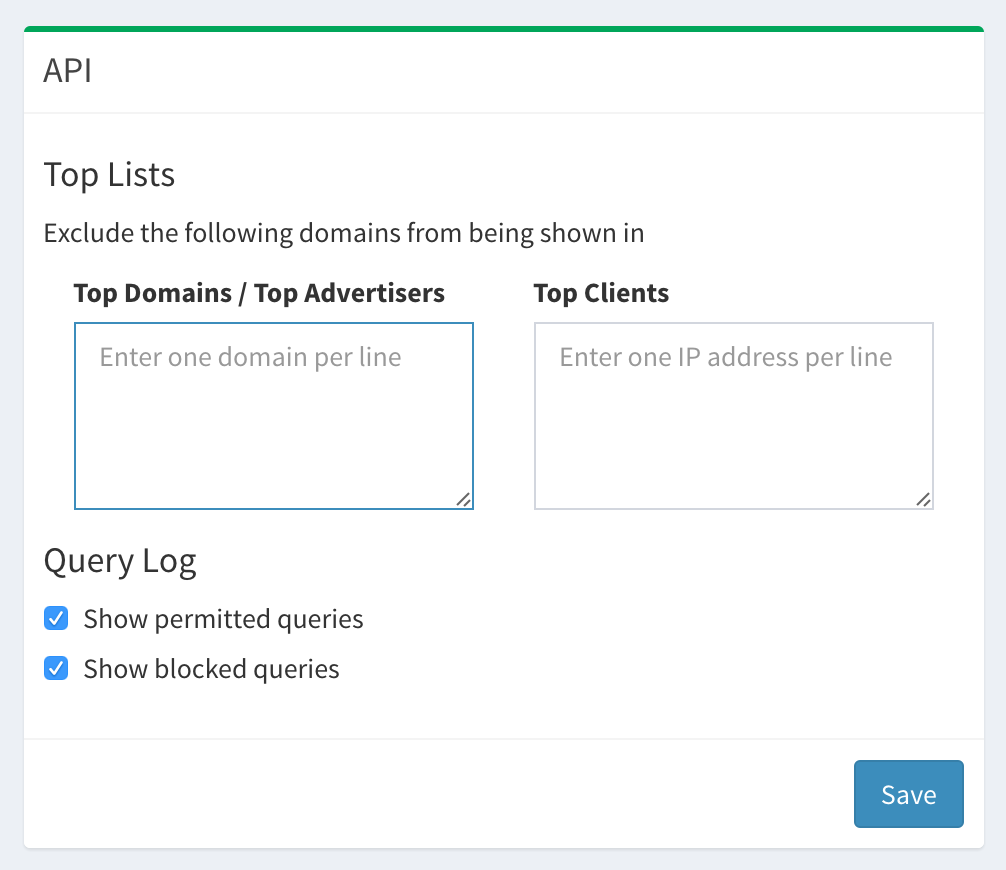
This is a big release for the Web interface so I’ll just list the major features here, but be sure to check out the (very long) changelog for this version.
To increase security, each installation will be given an individual password during installation. You can always change the password using
pihole -a -p new_password
There are also other flags available for the new pihole -a option:
::: Set admin options for the web interface of pihole
:::
::: Usage: pihole -a [options]
:::
::: Options:
:::  -p, password       Set web interface password, an empty input will remove any previously set password
:::  -c, celsius        Set Celsius temperature unit
:::  -f, fahrenheit     Set Fahrenheit temperature unit
:::  -k, kelvin         Set Kelvin temperature unit
:::  -h, --help         Show this help dialog
Pi-hole DHCP Server
Some routers do not let you change the DNS server, preventing Pi-hole from working network-wide. Now you can use Pi-hole as your DHCP server as well (this was always possible via dnsmasq, but we just made it a bit more accessible).
If you’re not a command line junkie, you can now run gravity from the Web interface (it still runs automatically once a week–and the cron path errors have been fixed).
is a new shorthand for tail -F /var/log/pihole.log. This is still useful for watching queries in real time and now is a bit easier to remember and type. If you want something a little easier to watch (think colors), check this out.
A Help Center
We added a page with some information on how to use Pi-hole and navigate the interface.








Comments are closed.